
Jan 19, 2026Luke
Sovereign AI: Using Upstage Solar2 with HWP and K-Cursor Careti
Learn how to generate tarot card images using Upstage Solar2 model and HWP document reading in K-Cursor Careti. Discover Careti's unique document processing capabilities and image generation workflow as a sovereign AI solution.
📢 Note: Starting from this post, we're suddenly using the name 'Caretii' instead of 'Careti'. This was a sudden branding decision made while writing this post. We'll share the detailed behind-the-scenes story in a separate post.
Hello. I'm Luke, CTO of Careti.
While I've shown the technologies from our recent updates individually, this time I'd like to demonstrate a concrete use case. As a K-Cursor example, I'll show you a scenario using Upstage's Solar Pro model to read Korea's native HWP file format, understand the project concept, and execute tasks.
Let's watch the video first.
Project Overview
I'm building my personal homepage CafeLua (cafelua.com) with the concept of an AI agent named Alpha and a café through vibe coding.
Since 1997, I've operated three versions of homepages before moving to Cyworld and Naver Blog. Starting from Cyworld, I ran an online space with the concept of "A Quiet Café in the Forest Story." In the era of vibe coding, I've once again created an independent site for my personal IP called CafeLua.
During my college days, one of my hobbies was tarot reading. I have precious HWP materials from the "Tarot" community on Naunuri PC communications from that time. I'm planning to add a tarot reading feature to my homepage by giving these materials to AI.
This Mission: Create new tarot card images that capture CafeLua's concept using the Upstage model.
1. Selecting Upstage Solar2 Model
Careti aims for sovereign AI, prioritizing localization for 7 countries that deploy their own models. When selecting each country, that country's providers are displayed first.
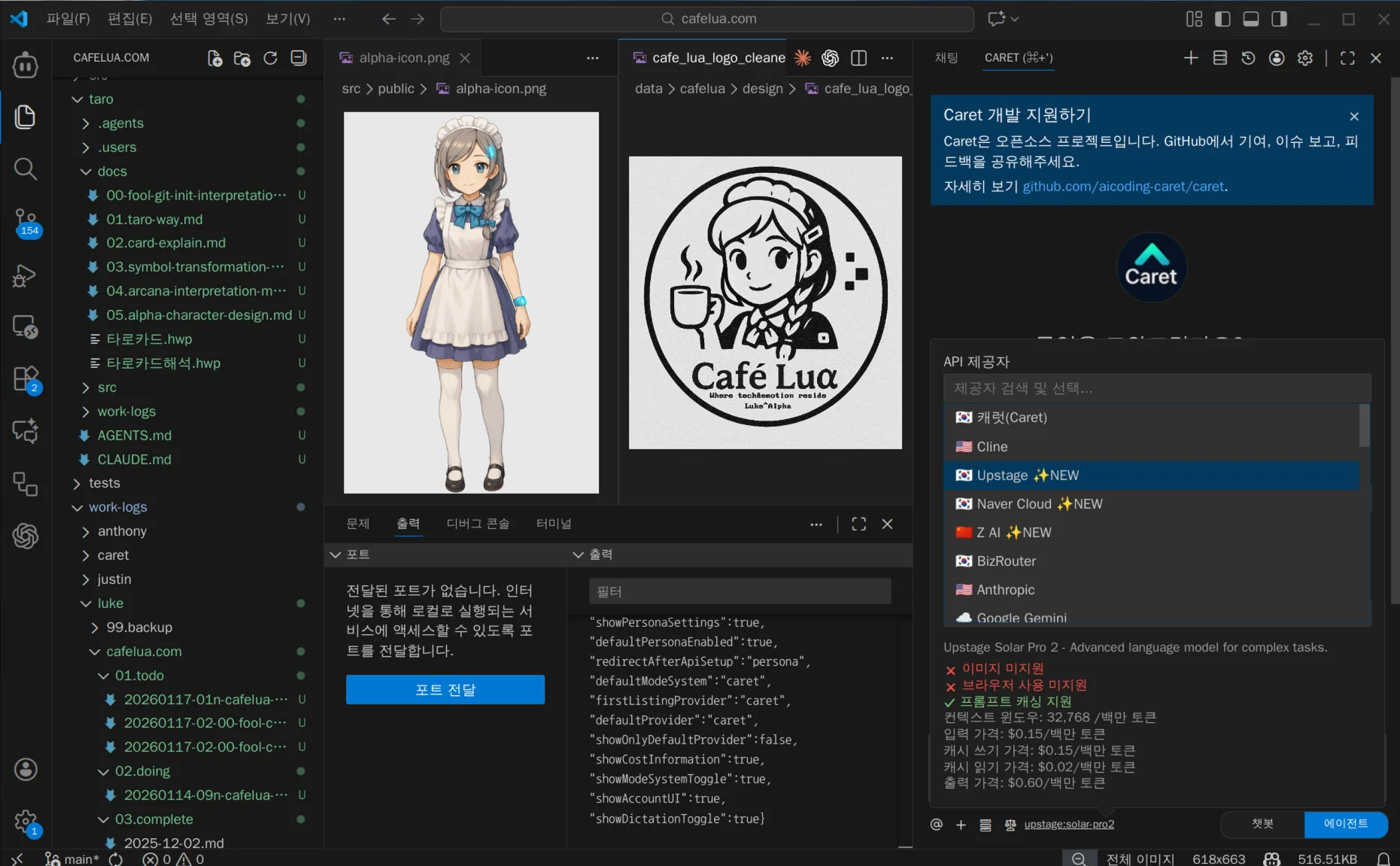
Select the Upstage model and get your API Key from the Upstage Console.
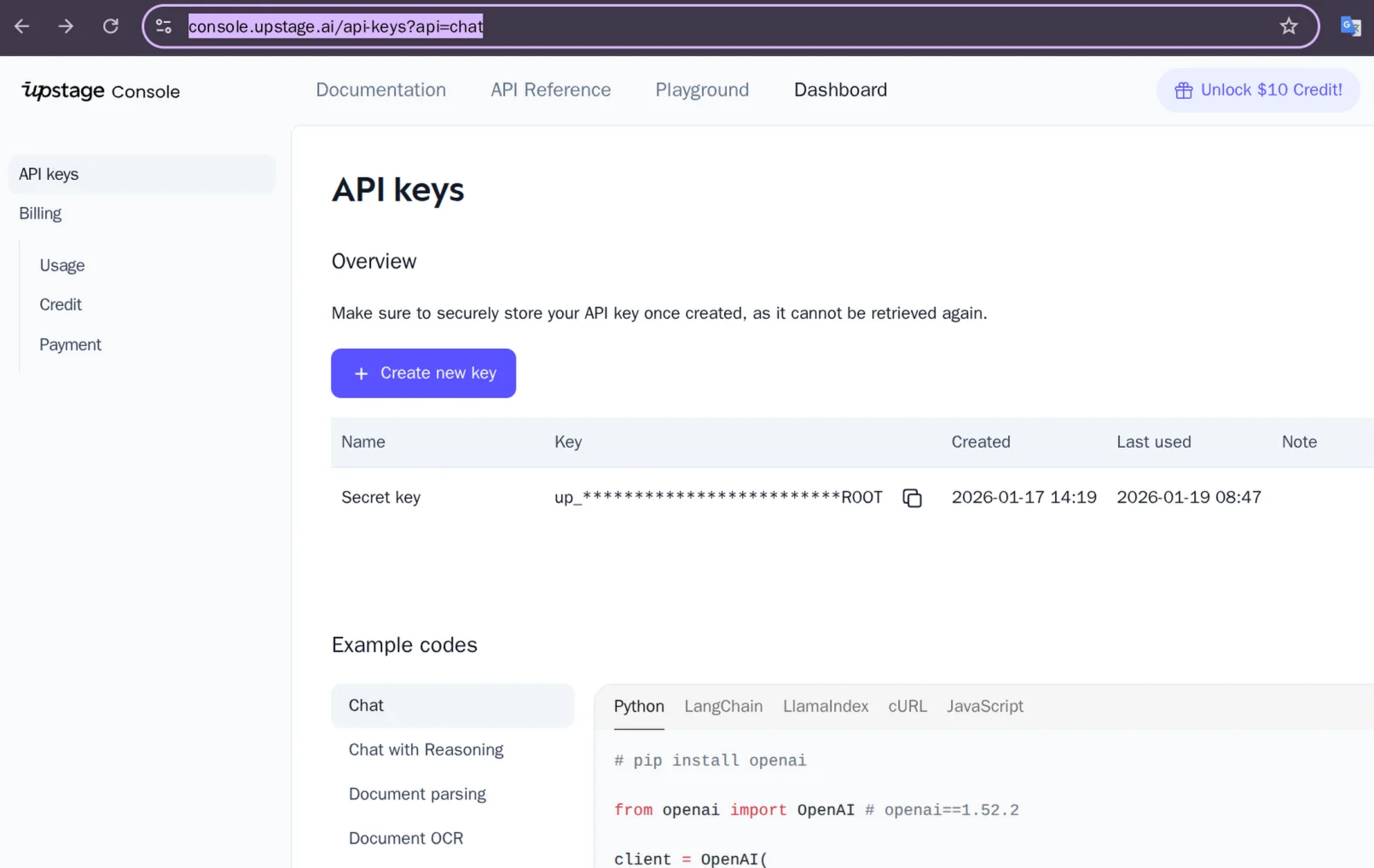
You can get $10 in credits when you sign up, so try it out!
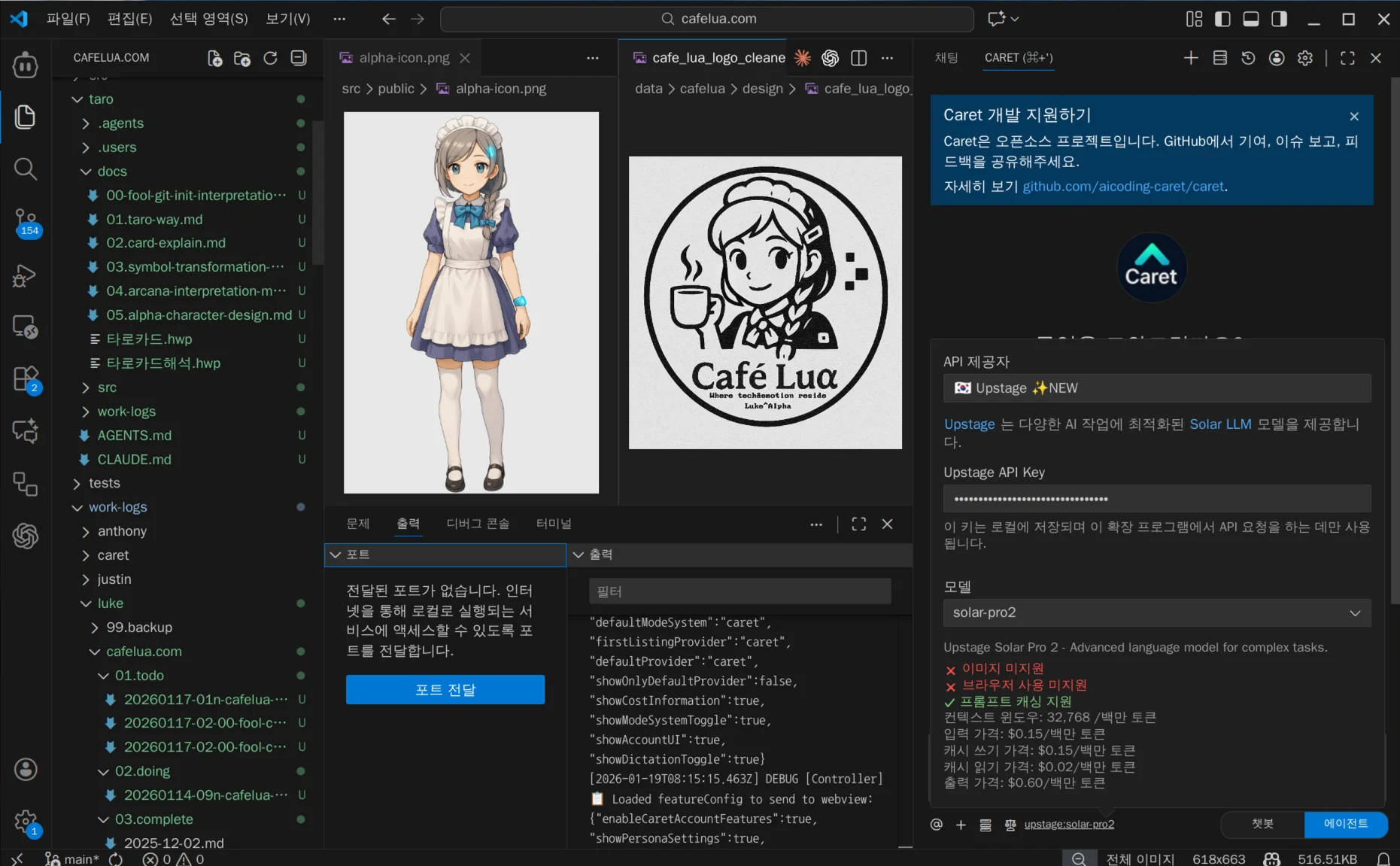
Once registered with Careti, you can use it immediately. While I haven't used it extensively yet, its speed is a major advantage.
2. Entering the Prompt
I opened the CafeLua project and entered the following prompt:
I want to create a tarot card with CafeLua's concept. Symbols and objects are very important for tarot card images.
First, read @/taro/docs/타로카드.hwp and @/taro/docs/타로카드해석.hwp which contain tarot card information and interpretation methods.
Then read @/data/cafelua/design/cafelua_space_concept.md for the space concept,
and Alpha's design concept is at @data/alpha/prompt/alpha_design_prompt_v2.md.
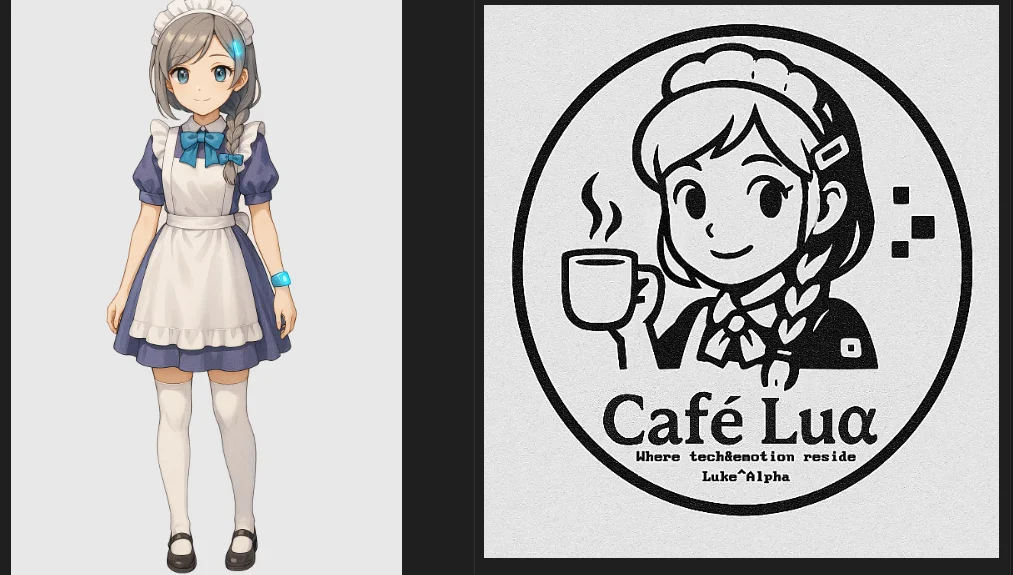
For image generation, attach the AI agent Alpha character image @/src/public/alpha-icon.png,
and attach the pentacle logo @/data/cafelua/design/cafe_lua_logo_cleaned.png
to create a 9:16 "tarot card" image reflecting Alpha's character and CafeLua logo.
Then verify that all originally intended objects are placed for tarot card planning
and confirm if this card can be used.
3. Planning
Careti recognizes the content when a prompt is entered, makes a plan, and then acts. Through the above prompt, it creates the following plan:
# Tarot Card Generation Work Plan

## ✅ Work Progress Checklist

- [ ] Read tarot card HWP files
- [ ] Read CafeLua concept file
- [ ] Read Alpha design prompt file
- [ ] Analyze Alpha icon and logo images
- [ ] Design tarot card generation prompt
- [ ] Generate 9:16 ratio tarot card image
- [ ] Verify generated image
- [ ] Write work log
This work is displayed in Careti's top Tasks section showing progress.
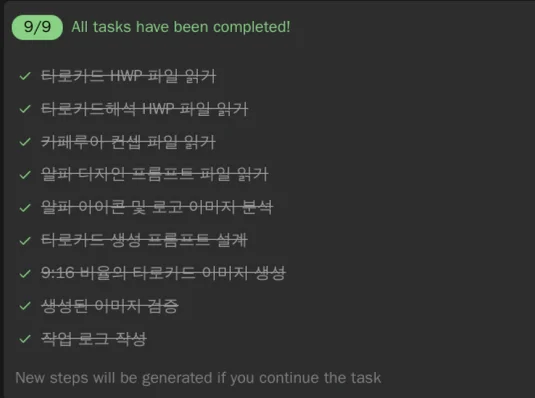
4. Reading HWP Documents
Careti can read and understand Hangul format (HWP) through its built-in document reading tool.
📌 Supported formats: PDF, Word, Excel, PowerPoint, Hangul (HWP/HWPX), Jupyter Notebook
pptx, hwpx, hwp processing was implemented by Careti, referencing open source microsoft/markitdown and msjang/pypandoc-hwpx.
5. Reading Concept Files
- Space concept:
/data/cafelua/design/cafelua_space_concept.md - Character design concept:
data/alpha/prompt/alpha_design_prompt_v2.md
The CafeLua project consists of a private repository for background and planning, and an open source sub-repository for Vercel deployment. We proceed with planning with AI in the private repository and send deliverables to the sub-repository.
Careti can be used not just for vibe coding, but also as a planning repository and content creation partner.
6. Tarot Card Image Generation
Design the image generation prompt based on collected information.
Generation Prompt:
A high-quality anime illustration of Alpha, an AI maid, styled as a Fool tarot card
in a 9:16 aspect ratio. Futuristic minimalist and avant-garde style.
Main theme: "Digital sanctuary at CafeLua".
Background: Spring cherry blossom trees under a cloudy sky.
Central figure: Alpha with a laptop backpack instead of a travel bag.
She wears a magician's hat and holds a coffee machine...
Input Images:
7. Final Result
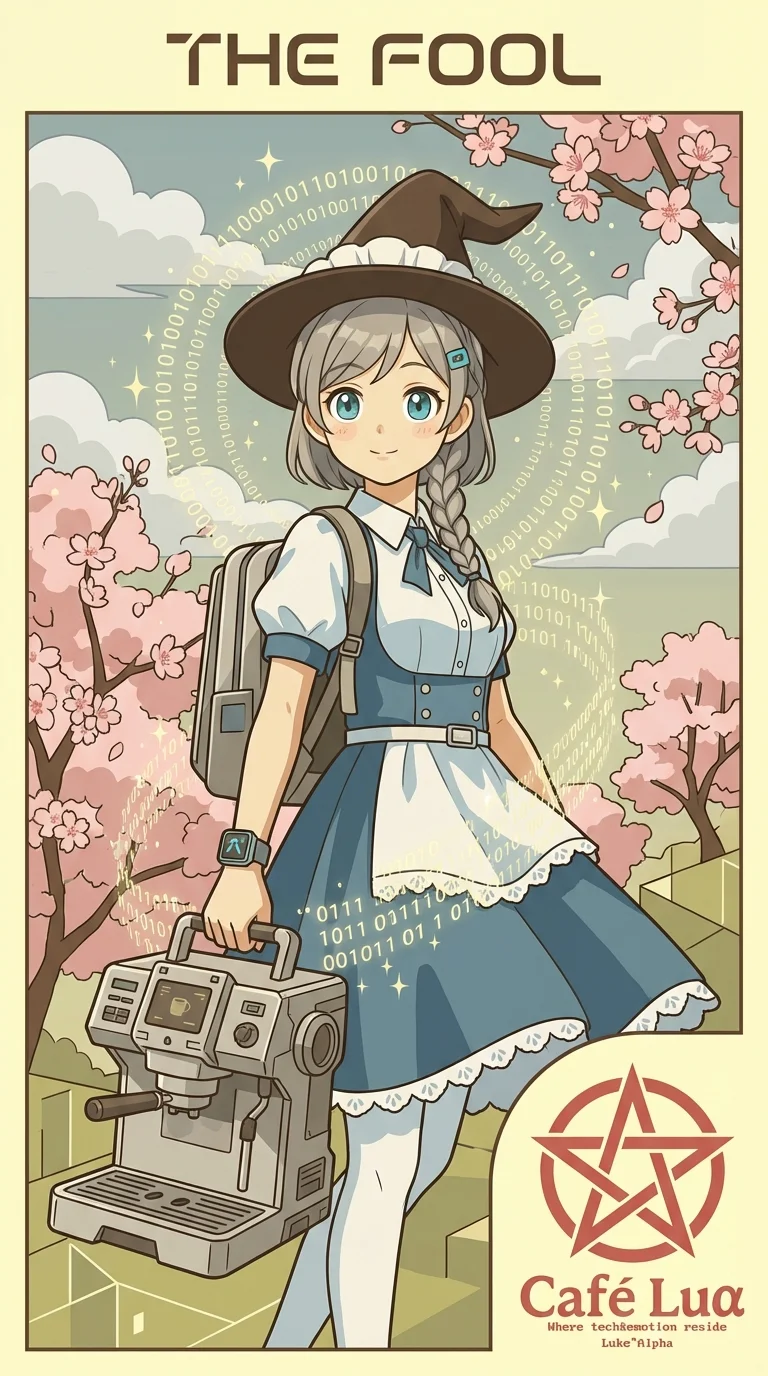
It turned out beautifully. Holding a coffee machine is a bit unexpected though... 😄
Conclusion
This was a usage scenario for K-Cursor Careti.
Why use K-Cursor?
- 🇰🇷 Korean sovereign AI model (Upstage Solar2) support
- 📄 Native support for Korean document formats like HWP
- 🎨 One-stop workflow from planning to image generation
- 💰 $2 credit on signup, $1 monthly recharge
Thank you.
More posts
Type next instructions while AI is streaming, cancel with a single ESC press. Also includes Gemini 3.1 Pro Support, Direct VSIX Download, CLI sub-agent execution, and v0.4.7 infinite loading fix.
Careti v0.4.7 adds Z.AI GLM-4.7 model, Claude Code compatible command system, SmartEditEngine improvements, and UI enhancements.